UnderlayX AI

    Clone, Replicate & Multiply Images for Free

    Easily clone, replicate, duplicate, and multiply objects within your images. Perfect for creating repetitive patterns, duplicating elements, and replicating subjects in photos.
    Create now
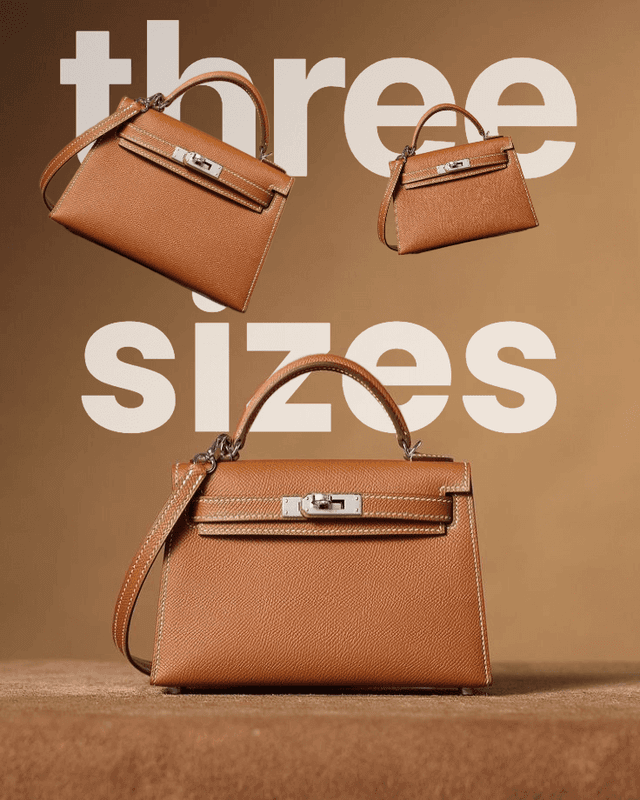
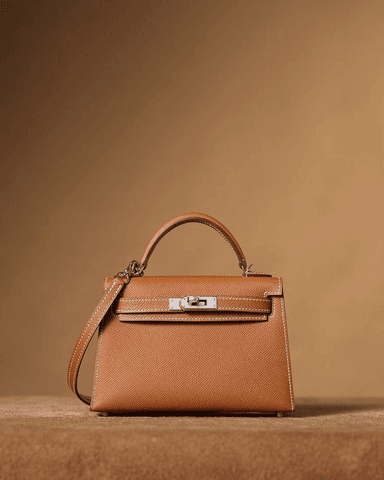
    Example 1 - Image cloning and replication effect

    Before

    Example 2 - Image duplication and multiplication effect

    After

    Key Features

    Clone, duplicate, and replicate any object in your photo
    Copy a subject and place multiple copies in one image
    AI-powered cloning with clean, natural-looking edges
    Great for creative multiplicity, product mockups, and effects
    Works with any image format — high-resolution export

    How It Works

    1
    Upload your image to the free clone image tool
    2
    Select the object or subject you want to clone
    3
    Duplicate and reposition the copies anywhere on the canvas
    4
    Adjust size and placement for a seamless, realistic result
    5
    Download your cloned image instantly — no watermark

    Why Choose UnderlayX AI?

    Lightning Fast

    Process images in seconds with our optimized AI algorithms

    Privacy First

    Your images are processed securely and never stored

    Professional Quality

    AI-powered results that match expensive software

    More free AI photo tools

    Text behind imageOverlay imagesAI inpaintingChange backgroundRemove background
    Start Editing Now - It's Free!

    Image Cloner & Duplicator — FAQs

    What is an image cloner and how does it work?▾

    An image cloner lets you duplicate an object, person, or element within a single photo and place the copies wherever you want. UnderlayX AI's image duplicator detects the subject automatically, so you can multiply objects in your photo without manually cutting and pasting layers.

    Is the image duplicator free to use?▾

    Yes. You can duplicate an image or object and download your first result for free, with no watermark. For unlimited use, a $2.99 Day Pass or the Creator plan unlocks unlimited clones.

    How do I clone or duplicate an object in a photo?▾

    Upload your photo, select the object or subject you want to duplicate, and choose how many copies to add and where to place them. The AI handles blending edges and lighting so each clone looks like it was part of the original shot.

    Can AI copy a photo subject realistically, or does it look fake?▾

    Our AI copy photo tool matches lighting, shadows, and scale so duplicated subjects blend naturally into the scene, rather than looking like a flat paste. Results are meant to hold up at normal viewing sizes for social media, ads, and prints.

    Can I multiply more than one object in the same photo?▾

    Yes. You can multiply objects multiple times within the same image — useful for crowd effects, product repetition shots, patterns, and creative compositions.

    What if I want to add text instead of duplicating an object?▾

    If your goal is adding typography behind a subject rather than duplicating it, check out our text behind image tool for that effect.

    Prefer adding typography behind your subject instead of duplicating it? Try our text behind image tool.