UnderlayX AI

    Overlay Images for Free with AI

    Transform your images by adding stunning overlays, text, and effects. Create professional-looking visuals in minutes with intuitive editor.
    Create now
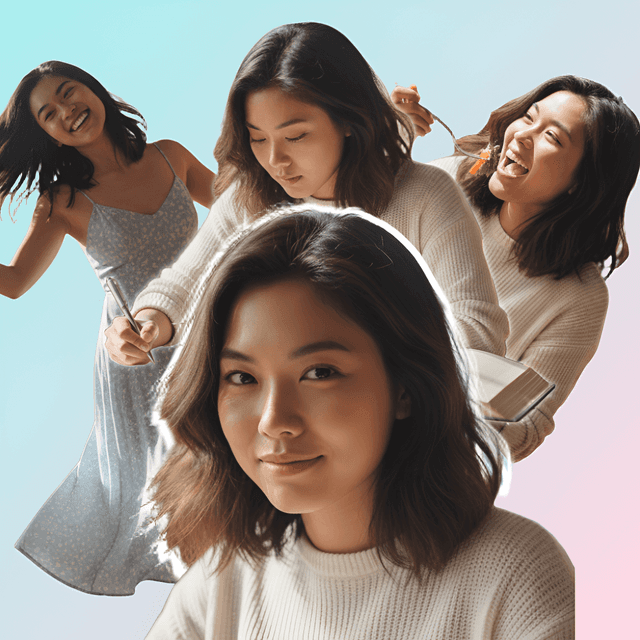
    Example 1 - Image overlay effect
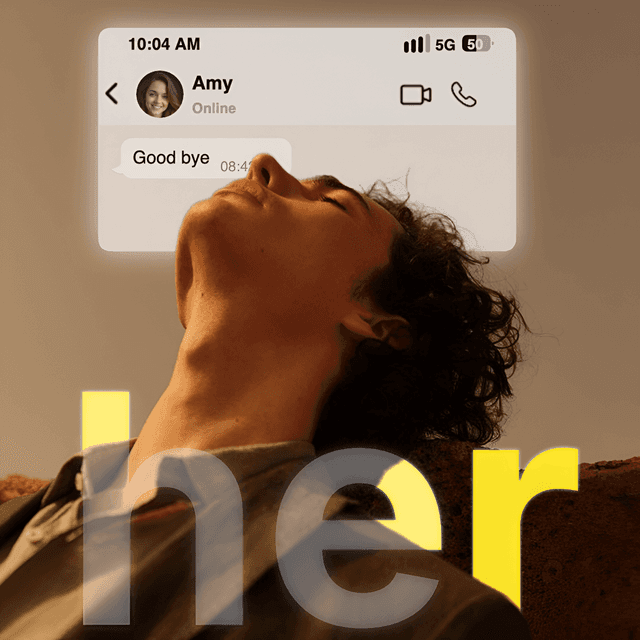
    Example 2 - Image overlay effect

    Key Features

    Overlay one image on top of — or behind — another
    Superimpose, blend, and layer photos right in your browser
    Adjust opacity, position, size, and layer order
    Create double exposures, watermarks, logos, and composites
    Works with JPG, PNG, WebP, and HEIC — high-resolution export

    How It Works

    1
    Upload your base image to the free image overlay editor
    2
    Add the second image you want to overlay on top or behind
    3
    Position, resize, and blend it until it sits naturally
    4
    Fine-tune opacity and layer order for the look you want
    5
    Download your layered image instantly — no watermark

    Why Choose UnderlayX AI?

    Lightning Fast

    Process images in seconds with our optimized AI algorithms

    Privacy First

    Your images are processed securely and never stored

    Professional Quality

    AI-powered results that match expensive software

    More free AI photo tools

    Text behind imageClone imageFloating image effectDouble exposureAI inpaintingChange backgroundRemove background
    Start Editing Now - It's Free!

    Image Overlay — FAQs

    How do I overlay one image on another?▾

    Upload your base photo, then add the image you want to layer on top. UnderlayX AI lets you position, resize, and blend the overlay so it sits naturally on the base image — no design software required, all in your browser.

    Is this image overlay tool free?▾

    Yes. Your first image overlay is free with no watermark. After that, upgrade to the Creator plan ($9/mo) for unlimited access to all features.

    Can I blend images together, not just stack them?▾

    Yes. Beyond simple stacking, you can adjust opacity, position, and layering order to genuinely blend two images together — great for double-exposure looks, watermarks, logos, or creative composites.

    What's the difference between photo overlay and text behind image?▾

    Photo overlay layers one image on top of (or behind) another. If you want to place typography behind a person or object in a single photo instead, try our dedicated text behind image tool.

    Do I need design experience to overlay photos?▾

    No. The editor is built for anyone — drag your images in, adjust position and size with simple controls, and download. No prior editing or design skills needed.

    What image formats and quality can I export?▾

    You can upload JPG, PNG, WebP, and HEIC images and download a high-resolution overlay result, ready for social media, print, or web use.

    Want to place typography behind your subject instead of overlaying a second image? Try our text behind image tool.