UnderlayX AI

    Change Image Background for Free

    Transform your image backgrounds instantly. Replace, modify, or enhance your image backgrounds with ease.
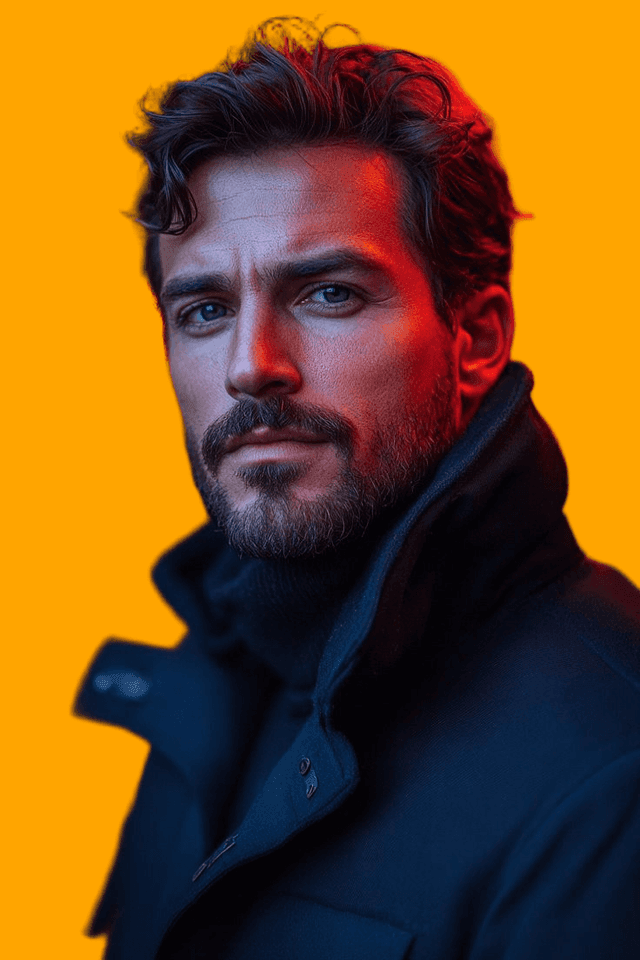
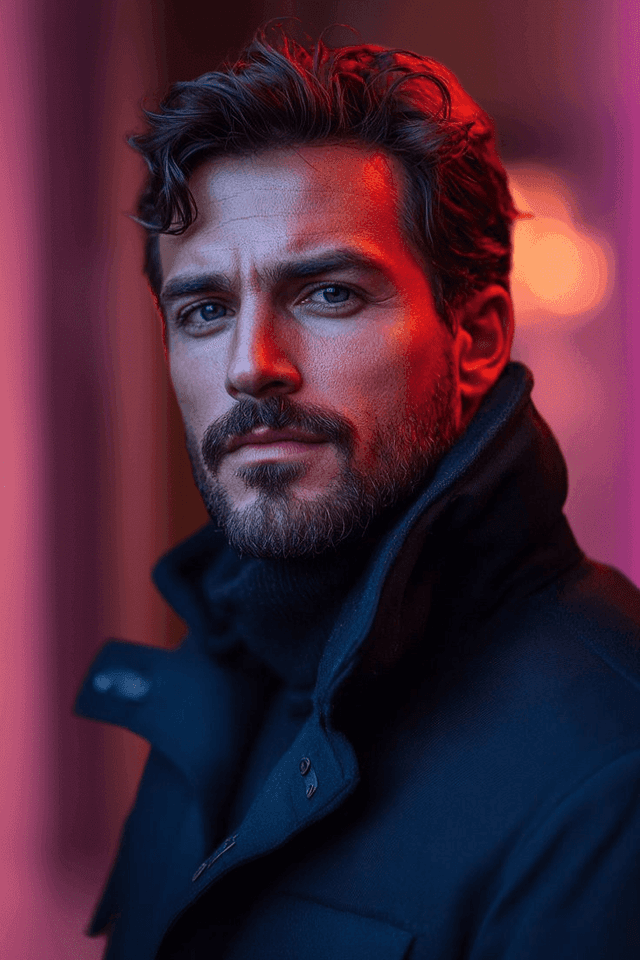
    Create now
    Example 1 - Background change effect
    Example 2 - Background change effect

    Key Features

    Professional AI-powered image editing
    Easy-to-use interface
    High-quality results
    Multiple format support
    Real-time processing

    How It Works

    1
    Upload your image
    2
    Apply transformations
    3
    Preview results
    4
    Download edited image

    Why Choose UnderlayX AI?

    Lightning Fast

    Process images in seconds with our optimized AI algorithms

    Privacy First

    Your images are processed securely and never stored

    Professional Quality

    AI-powered results that match expensive software

    More free AI photo tools

    Text behind imageClone imageOverlay imagesFloating image effectDouble exposureAI inpaintingRemove background
    Start Editing Now - It's Free!

    Change Background — FAQs

    How can I change the background of a photo online for free?▾

    Upload your photo to our background changer, and the AI automatically detects and removes the existing background. Then pick a new background — a solid color, gradient, or another image — and download your result. Your first background change is free with no watermark.

    Is this background changer really free?▾

    Yes. Your first background swap is free with no watermark. For unlimited edits afterward, upgrade to the Creator plan ($9/mo) for unlimited access to all features.

    How do I replace a photo background without it looking fake?▾

    The AI detects your subject's edges precisely — including hair, fur, and fine details — and blends the new background's lighting and tone so the replacement looks natural rather than cut-and-pasted.

    Can I just change the background color instead of using an image?▾

    Yes. After removing the original background, you can choose a solid background color, a gradient, or a blur effect, in addition to swapping in a new photo or scene.

    What kinds of photos work best for background changing?▾

    Portraits, product shots, and photos with a clear subject work best. The AI handles people, products, pets, and most everyday objects, separating them cleanly from busy or plain backgrounds alike.

    Do I need Photoshop or design skills to change a background?▾

    No. Everything runs in your browser with a simple upload-and-click workflow — no Photoshop, layers, or masking knowledge required.

    Need to edit more than just the background — like removing an object or changing a specific detail? Try our AI photo inpainting tool.